Camera stream
In this example we will stream the data from your connected web-camera or any other camera-like device and perform real-time data processing
How to take a photo in WL?
CurrentImage[] (*VB[*)(FrontEndRef["00464a90-c955-4c55-8dfe-5f22dfb89cbd"])(*,*)(*"1:eJxTTMoPSmNkYGAoZgESHvk5KRCeEJBwK8rPK3HNS3GtSE0uLUlMykkNVgEKGxiYmJkkWhroJluamuqaJAMJi5S0VF3TNCOjlLQkC8vkpBQAedAV3g=="*)(*]VB*) However, there is a better way if you need to stream the data from a camera continuously:
cam = DeviceOpen["Camera"]
cam["FrameRate"] = 30;
RefreshRate[cur = DeviceRead[cam], 1/30.0] This should go without any lag. If your device support 60, change the code accordingly.
Refresh will not force Wolfram Kernel to work faster, than it can deliver even if you set 1/100.0 update interval.
Basic data-processing
Let's try binarize our images
Refresh[cur = DeviceRead[cam] // Binarize, 1/30.0] 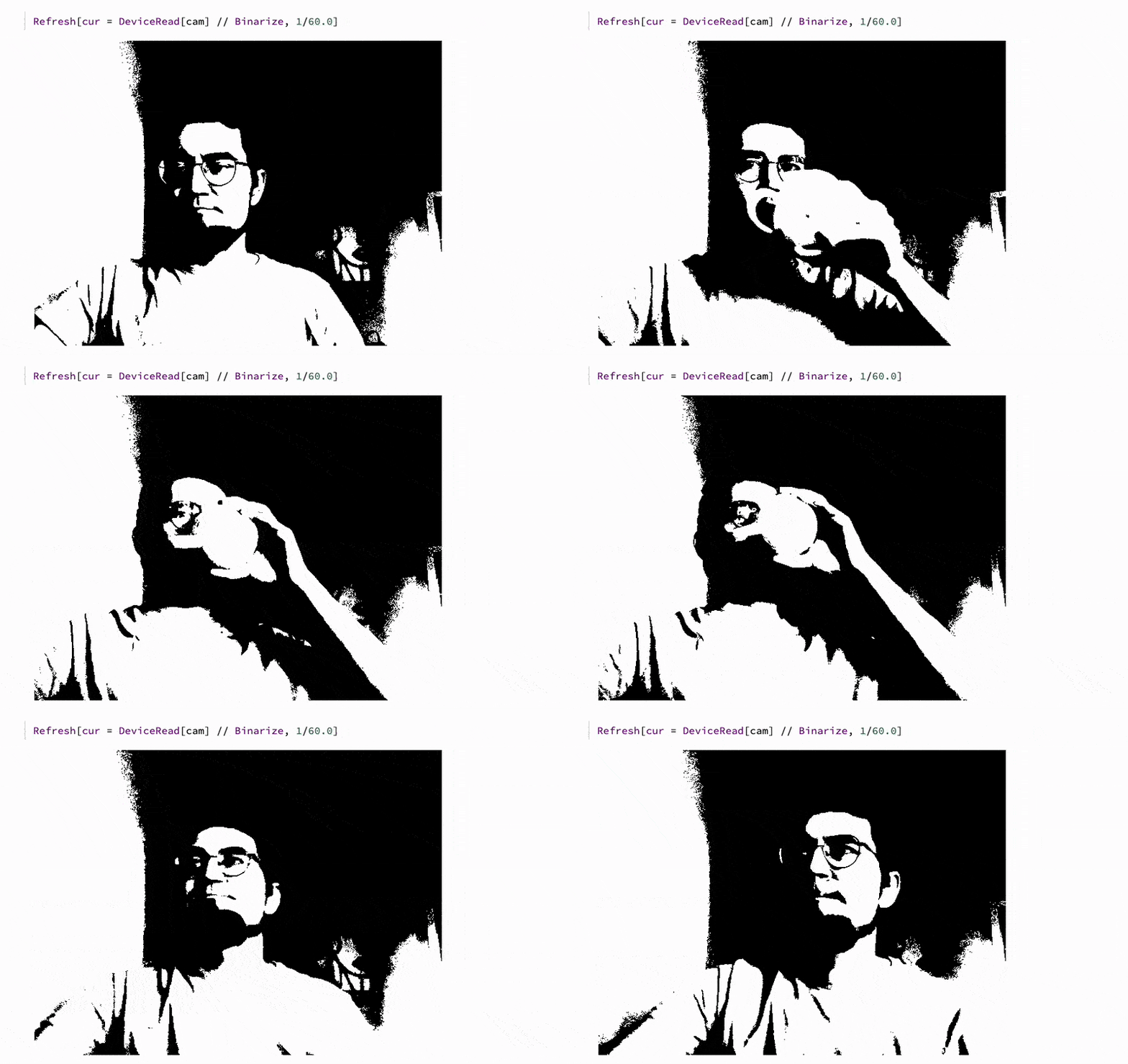
One could also try applying neural network processing, for instance, to identify faces. There is a built-in function for it in Wolfram Language Standard Library:
cur // FindFaces %7BRectangle%5B%7B190.5%60%2C244.5%60%7D%2C%7B310.5%60%2C397.5%60%7D%5D%7D HighlightImage[cur, {Green, Opacity[0.3], %}] (*VB[*)(FrontEndRef["d667025f-ba56-4807-ae23-8a12a3dc386b"])(*,*)(*"1:eJxTTMoPSmNkYGAoZgESHvk5KRCeEJBwK8rPK3HNS3GtSE0uLUlMykkNVgEKp5iZmRsYmabpJiWamumaWBiY6yamGhnrWiQaGiUapyQbW5glAQB9axVt"*)(*]VB*) Let's apply this in real-time:
Make sure to stop other widgets by cleaning the output cells
Refresh[HighlightImage[cur = DeviceRead[cam], With[{
  faces = FindFaces[cur]
},
  {Opacity[0.3], Green, If[Length[faces] > 0, First[faces], Rectangle[{0,0}, {0,0}]]}
]], 1/30.0] 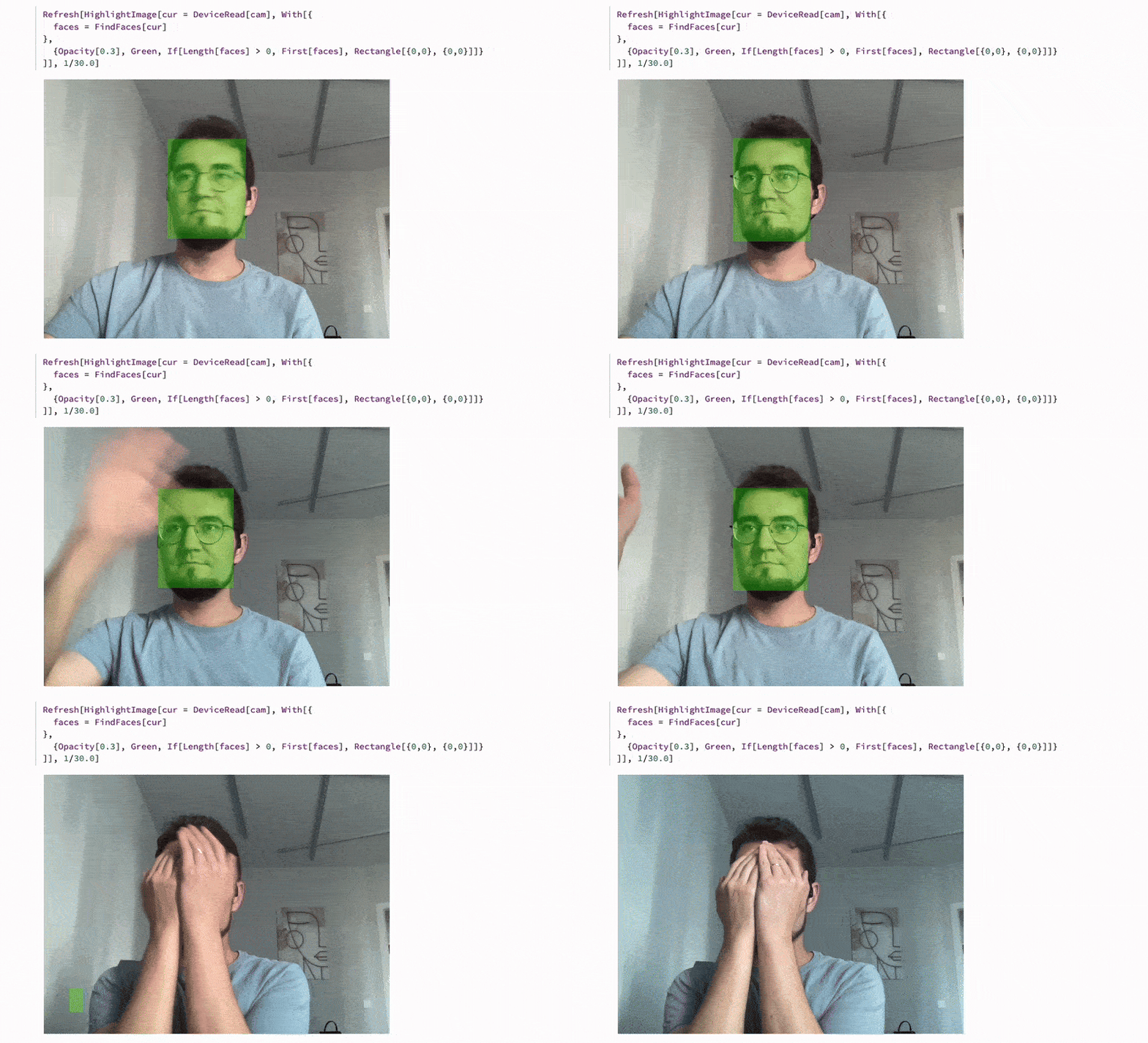
Here we keep the reactangle even if there is no faces detected. This helps JIT to avoid deoptimizations of the output expression, since the number of primitives stays consistent.