CPU Animation in a Single Cell
Thi basic animation creates an interference pattern by combining three sine waves with different frequencies
JerryIDecember 11, 2024
animation
The key to achieving real-time performance lies in using compiled code for the heavy computation and efficient buffer updates for rendering:
gen = Compile[{{time, _Real}, {f1, _Real}, {f2, _Real}, {f3, _Real}},
Table[With[{fpos = {i,j}},
  With[{result = Module[{
      d0 = Norm[fpos],
      d1 = 1.0,
      d2 = 1.0,
      d3 = 1.0
    },

    d1 = Sin[d0 f1 + time]/6.;
    d2 = Sin[d0 f2 + time]/6.;
    d3 = Sin[d0 f3 + time]/6.;

    d1 = Abs[d1];
    d2 = Abs[d2];
    d3 = Abs[d3];

    d1 = 0.02 / (d1 + 0.01);
    d2 = 0.02 / (d2 + 0.01);
    d3 = 0.02 / (d3 + 0.01);

    {d1, d2, d3, 1.0} 255.0
  ]},
    result
  ]
], {i, -0.5, 0.5, 1.0/250.0}, {j, -0.5, 0.5, 1.0/250.0}]
, CompilationTarget->"C", RuntimeOptions->"Speed"];

a = .0;

render = Function[Null,
  a = a + 0.1;
  buffer = NumericArray[gen[a, 5.0, 8.0, 16.0], "Byte", "ClipAndRound"];
];

render[];

Image[
  buffer // Offload, "Byte",
  Epilog->EventHandler[AnimationFrameListener[buffer//Offload], render]
]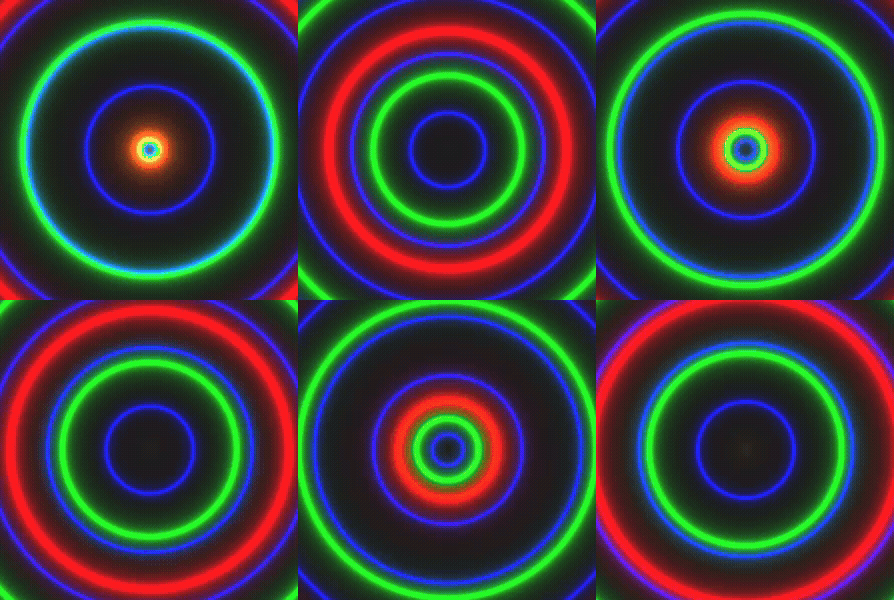
The render function updates the animation by incrementing time and generating new frames as NumericArray buffers. You can use normal arrays as well, but the NumericArray wrapper guarantees that the data will be packed more efficiently.